Isolated sub-accounts
Contacts, pipelines, bookings and files belong to that client. Another client cannot see them.
BUILT AROUND YOUR BRAND
Your name, colors, fonts and domains, for you and for every client.
Join the waitlistTHE WHITE-LABEL STUDIO
A platform that feels like you, right down to the last detail.
Put your name on it. Upload a logo and your clients never see ours.
Pick a color and the whole platform follows, from buttons to charts.
Choose a corner style and your brand fonts. They load everywhere, including public pages.
Give every client their own domain for the pages their customers see.
EVERY SURFACE
Your name, logo, colors and domain are what people see. The product name stays off their screens.
The login your team and clients use carries your logo and colors.
Notifications and messages go out under your name, from your domain.
Agreements, invoices and updates open in a portal that wears the client's brand.
Customers book on a page that looks like the business they already know.
Documents use the client's brand. Payment goes to the Stripe account you connect.
Public forms and surveys use your styling, on a domain you or the client control.
Public links use an address you choose. Nothing points a customer at a vendor domain.
SEPARATE BY DESIGN
Each client gets a sub-account. Their people, conversations and files stay there. You set the logo they start with, and the domain their customers use.
Contacts, pipelines, bookings and files belong to that client. Another client cannot see them.
Your brand is the default across the platform. A client can also set a logo and colors on the pages their own customers see.
Booking pages, forms and email links can live on the client's domain, so the address is one their customers recognize.
ON THEIR DOMAIN
The same product, framed as the client's own. These samples use a fictional business, Acme Roofing, on portal.acmeroofing.com.
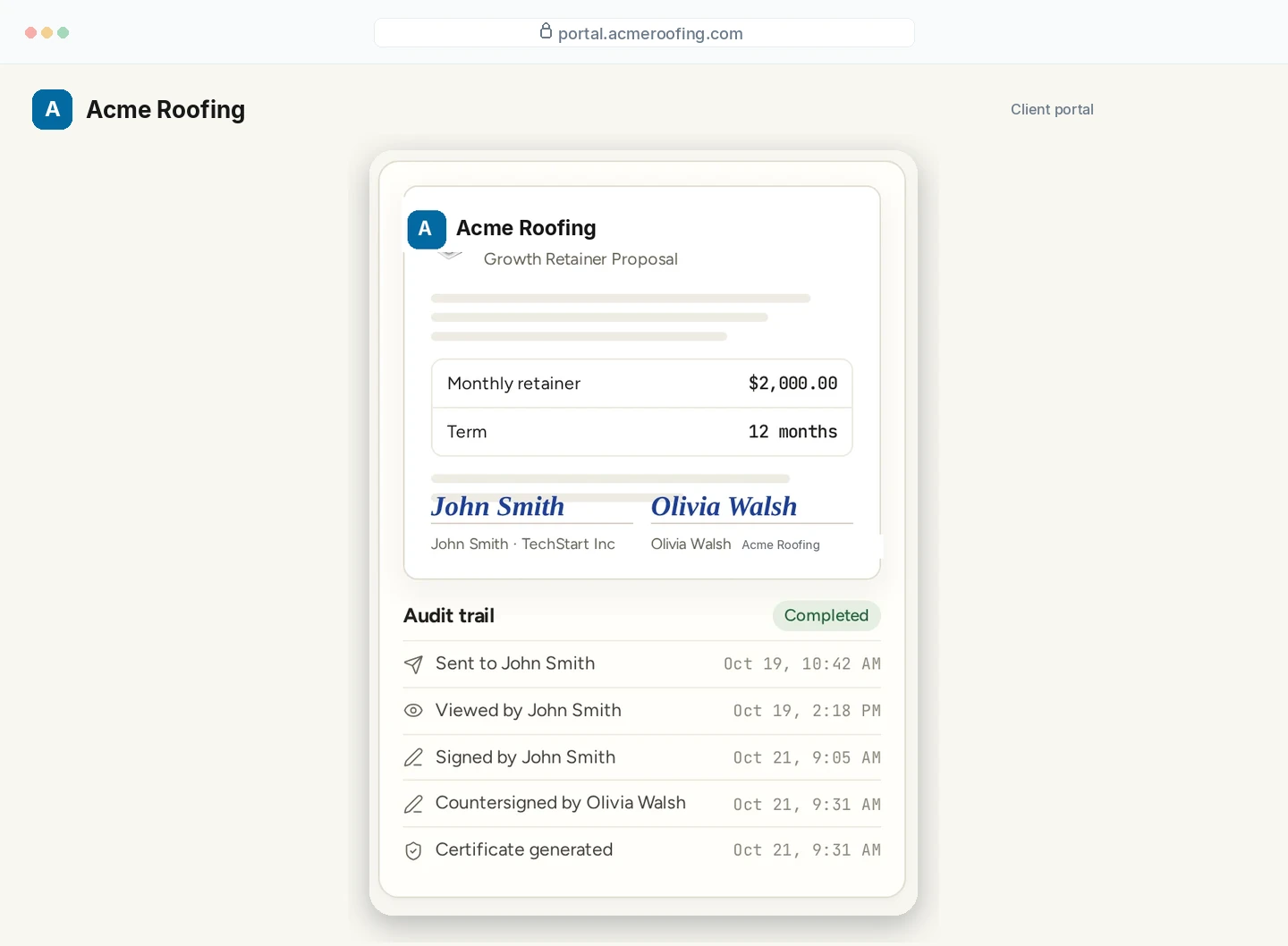
A signed agreement and its audit trail, opened under the client's name.
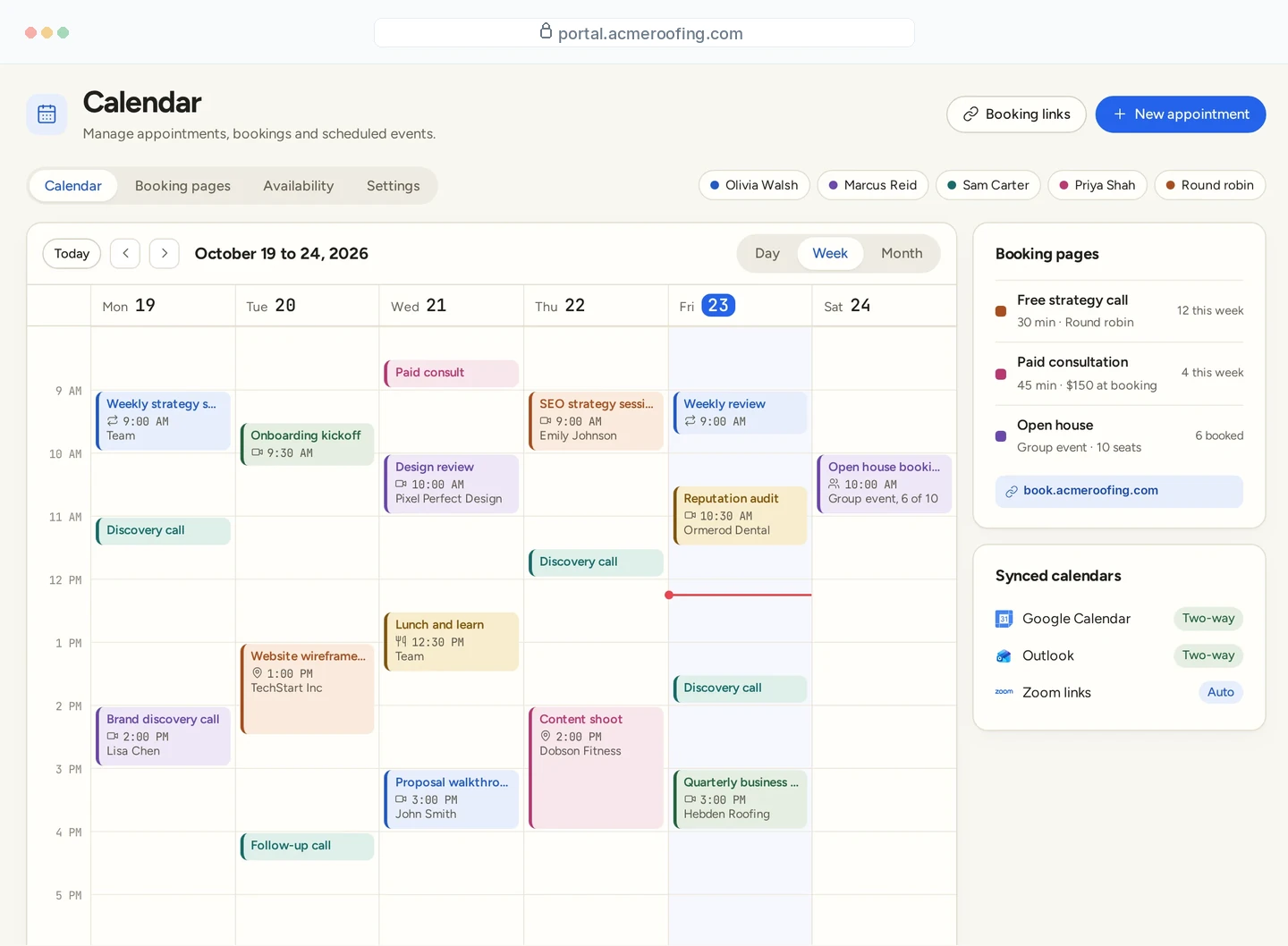
The calendar, booking links and synced calendars their customers use.
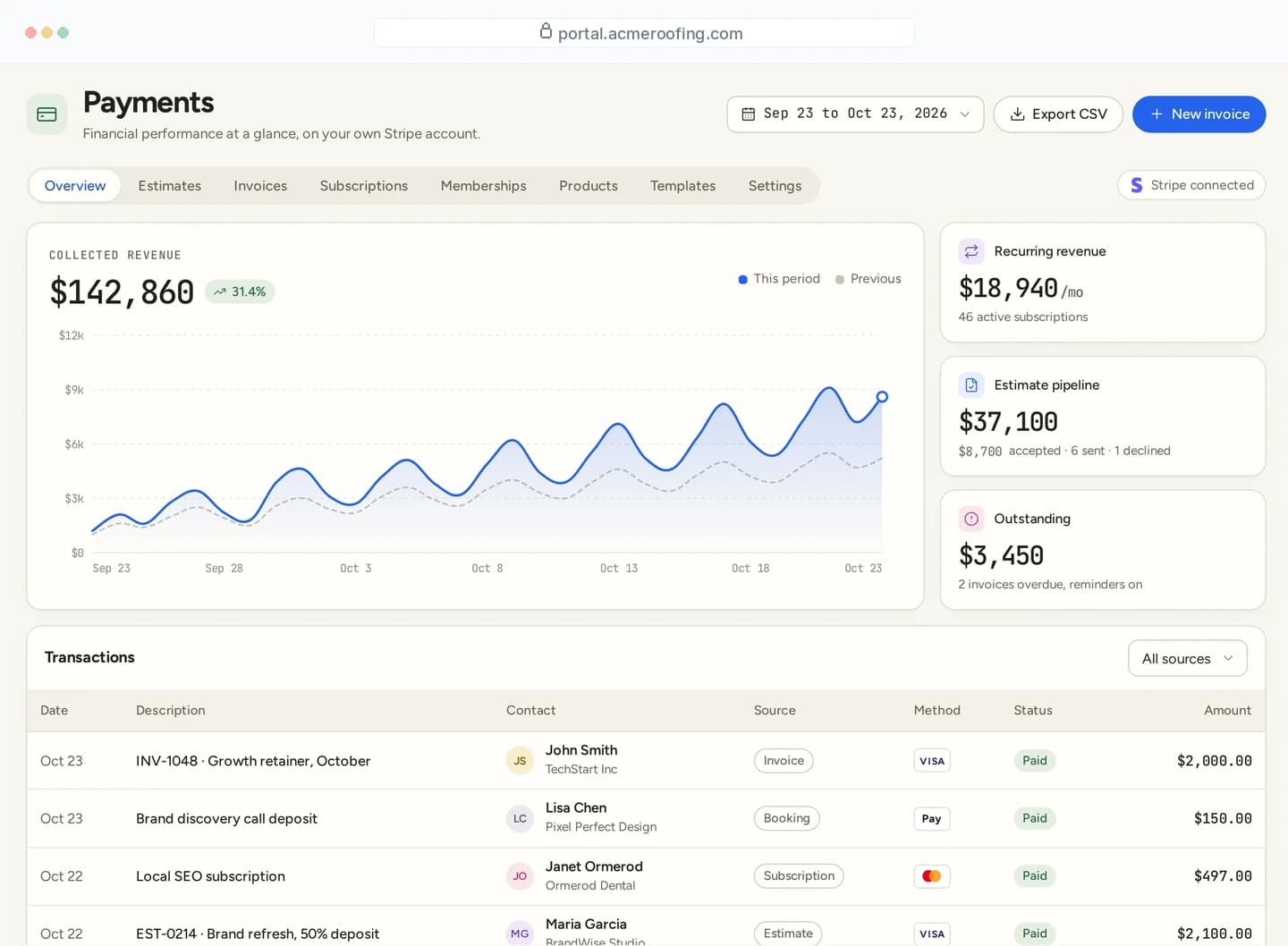
Invoices, estimates and the payments collected on their own Stripe account.
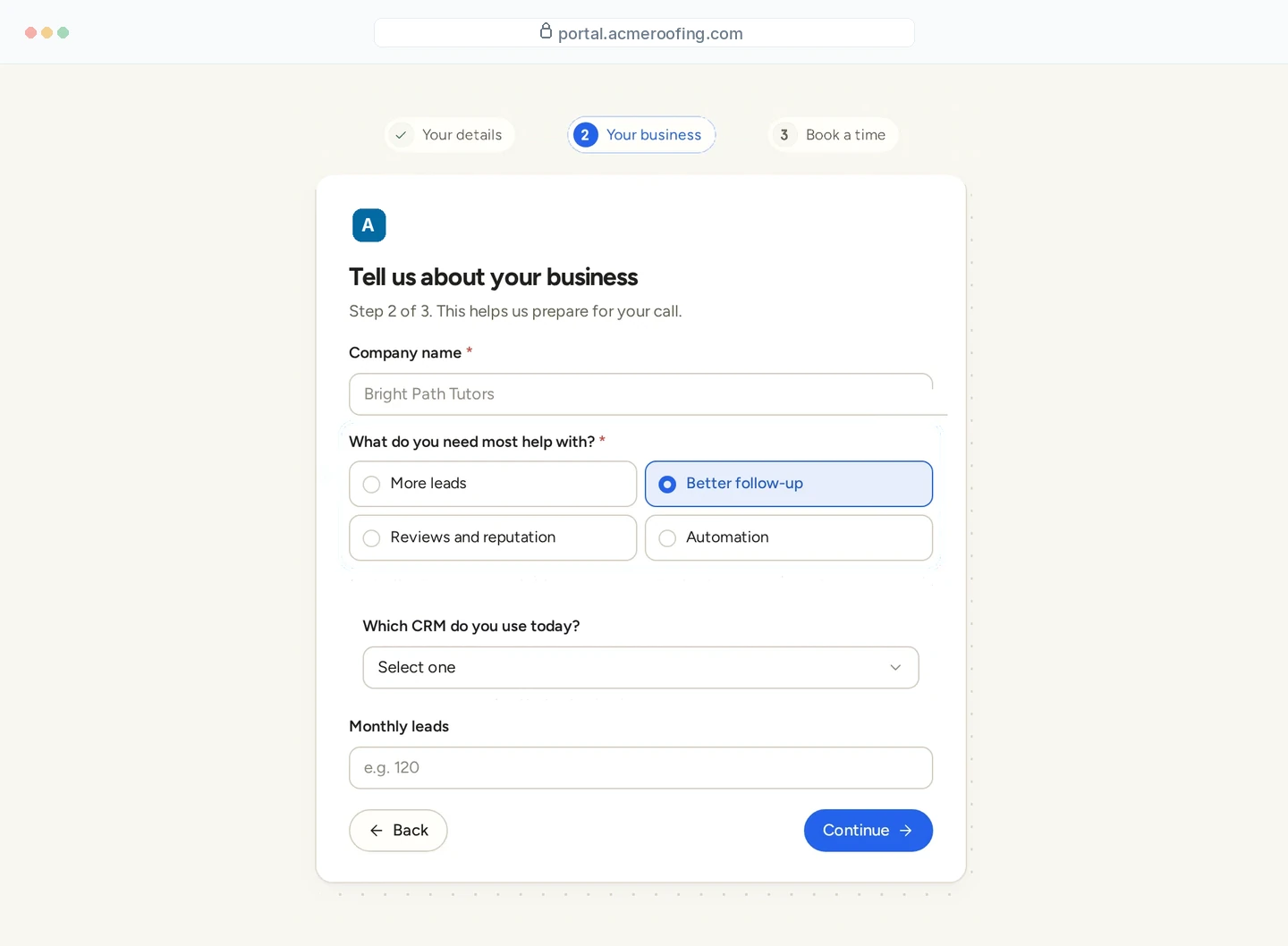
A multi-step form on their domain, with the questions you set.
Sample screens from the product, shown on a client domain. Names and figures are fictional.
YOUR OFFERS
Package the platform into tiers, share a checkout link, and let a purchase set up the new account. You choose the features in each tier. You set the price. Payments land in your Stripe account.
Build tiers with different features, publish a checkout link, and let the purchase create the client’s account automatically.
Add your margin to calls, texts, email and AI usage. Clients see one clean price. You keep the difference.
Payments land in your account, not ours. No platform fee skimmed off the top.
THEIR ADDRESS
A booking page, form or invoice that opens on your client's own domain feels like their business. Links in email match the address their customers already trust.
Enter the domain or subdomain in the client's settings.
Add the records shown to your DNS provider.
Once verified, their pages and email links use their domain.
Each domain is verified on its own, so taking one client live does not change the others.
A LITTLE MORE CLARITY
Yes. Put your name, logo, colors and domains on it, build your own plans, and sell them to as many clients as you like.
Yes. Each client can run their public pages on their own domain.
As many as your infrastructure handles. Seats and sub-accounts are unlimited, with no per-seat fee.
Your name, logo, colors and domains. The sign-in page, emails, portal, booking pages, invoices and forms use that brand. A client can also show their own logo on the pages their customers open.
Yes. Each client is a sub-account. Their contacts, conversations, bookings and files stay in that account.
Yes. Your brand is the default across the platform. A client can set a logo and colors for the pages their customers see, such as booking, forms and the portal.
Yes. The sign-in page and the emails you send use your name and domain.
YOUR NEXT CHAPTER STARTS HERE
Join the waitlist and lock in the $799 one-time founding price. Pay once, own the code, run every client under your brand.
Founding price for the first 50 only